11-26-2019 - Gear, Technology
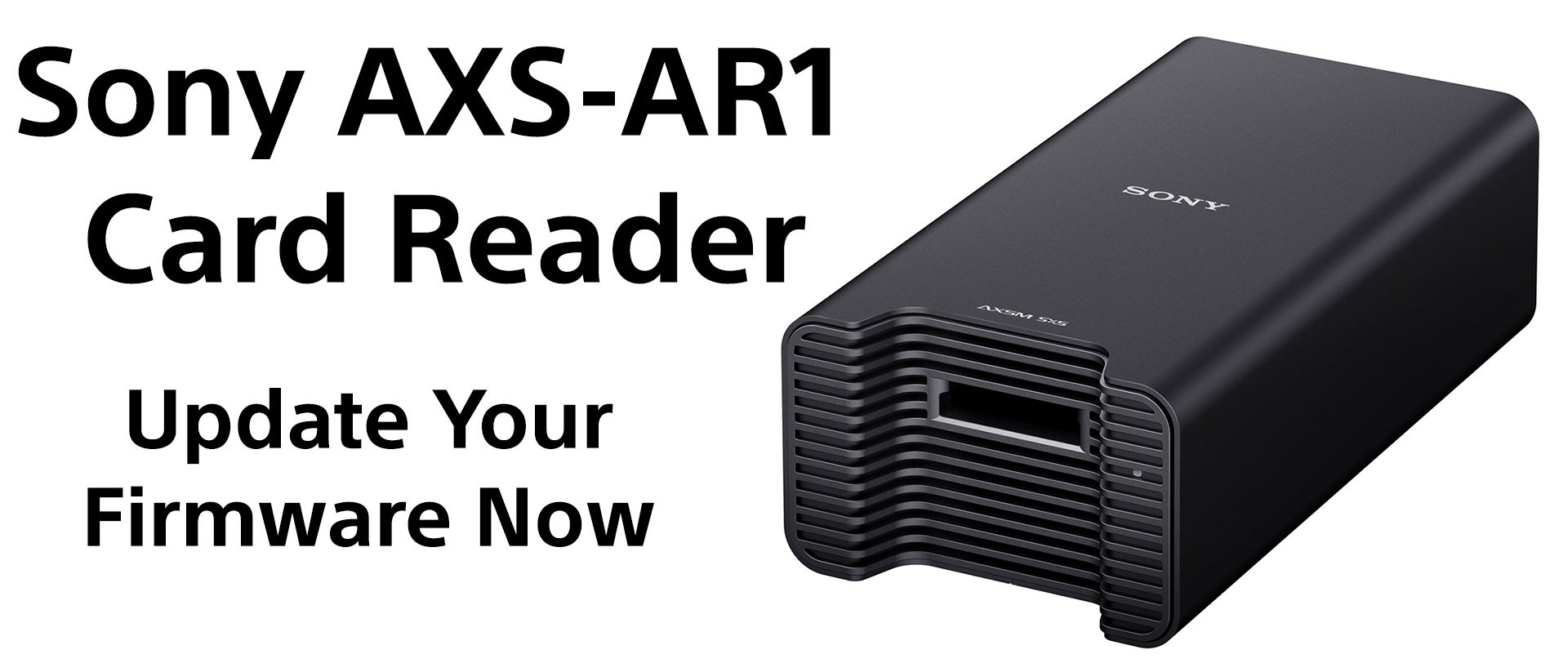
Sony AXS-AR1 Firmware Update - Do This Now
By: SonyCine Team
This firmware update fixes a data corruption issue that could occur with concurrent read cycles from the AXS memory card.
Upgrade procedure is also detailed in the AXSM Drive Utility help file.
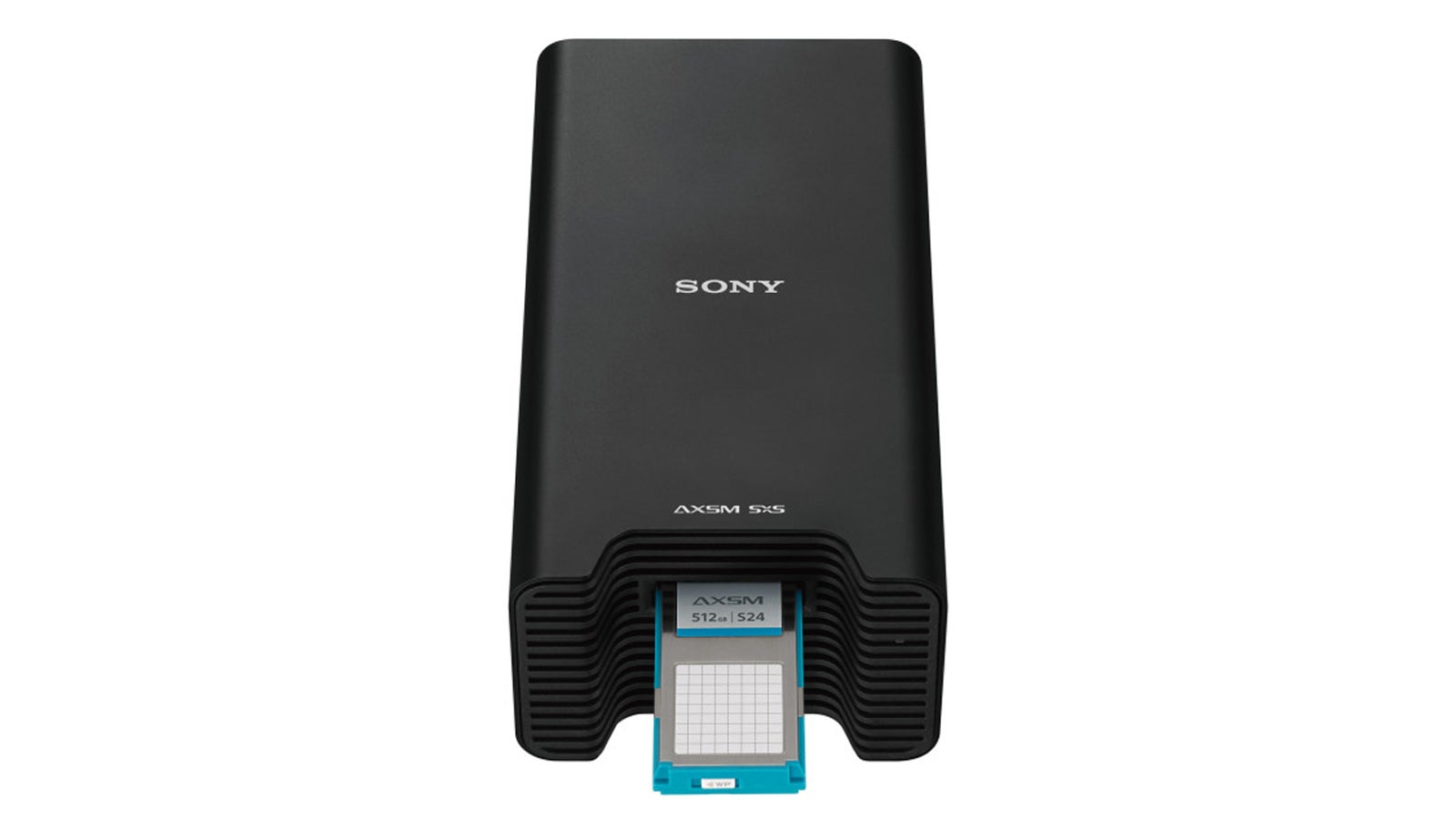
AXS-AR1 upgrade procedure
Download AXS-AR1 upgrade file AXS-AR1-FW_01_02_511.bin to Mac computer. https://dmpc.cimediacloud.com/r/wWIycK1IBVnH
Connect AXS-AR1 to Mac computer using TB2 cable.
Open AXSM Drive Utility.
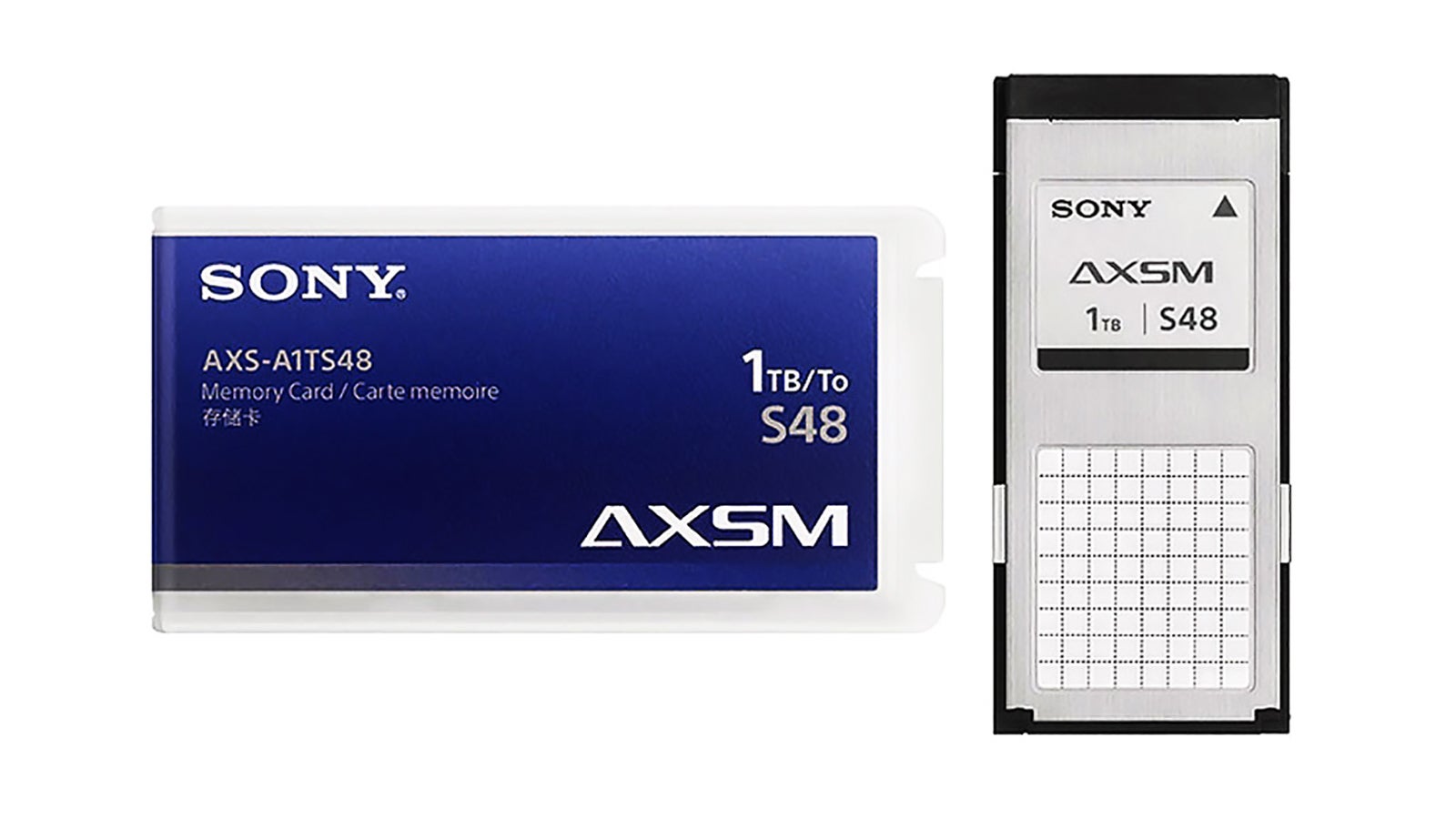
Insert AXS card into AXS-AR1.
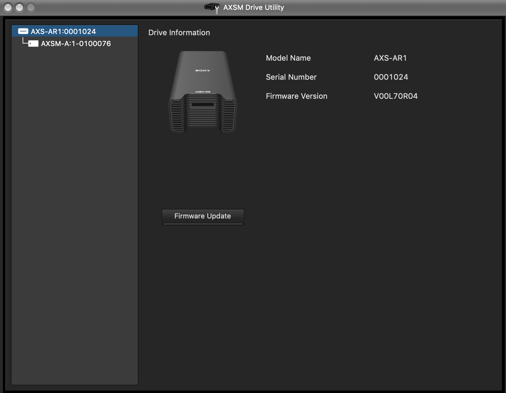
Select AXS-AR1 and click on Firmware Update.
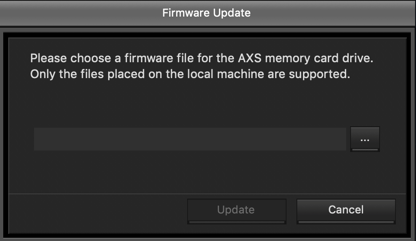
Firmware Update window will appear. Browse to location where file AXS-AR1-FW_01_02_511.bin is located and click Update.
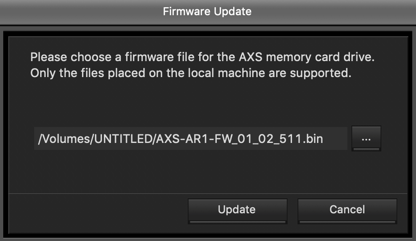
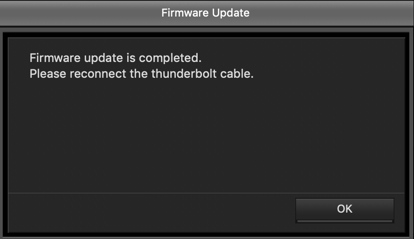
Upgrade process typically takes under one minute to complete.
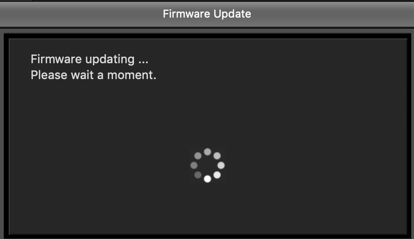
After update completed remove and reconnect the TB2 cable. Confirm that the AXS-AR1 functions correctly.